 MANVIA BLOG
Install SQL Server
-
Steps
Step 1
go to https://www.microsoft.com/en-in/sql-server/sql-server-downloads
download developer edition
Step 2
1. Run the exe
2. choose custom option
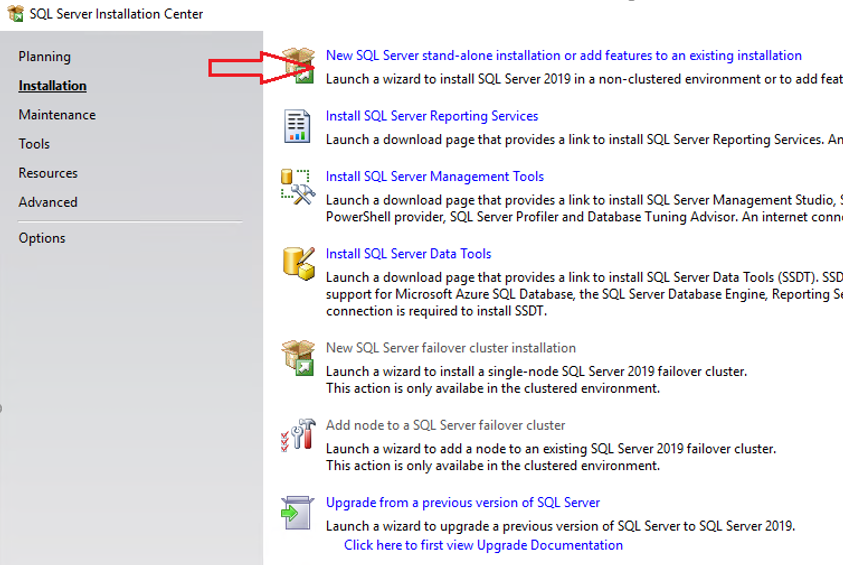
3. select New SQL Server stand-alone installation in the Installation tab.
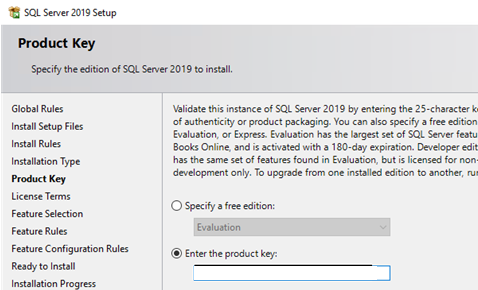
4.select the free edition
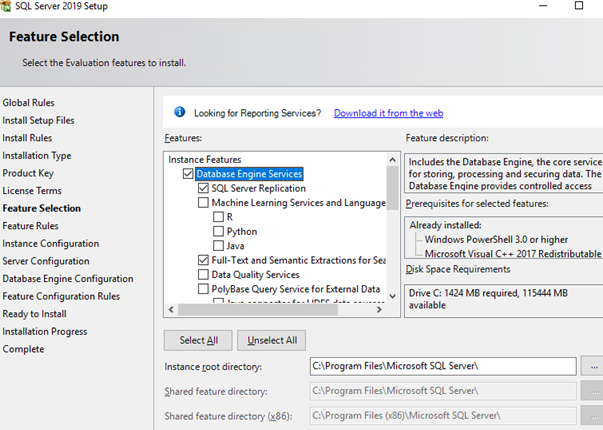
5. install Database Engine Services
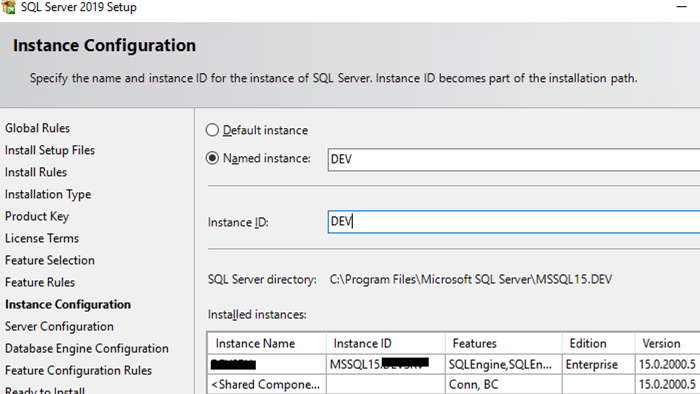
6. set instance name
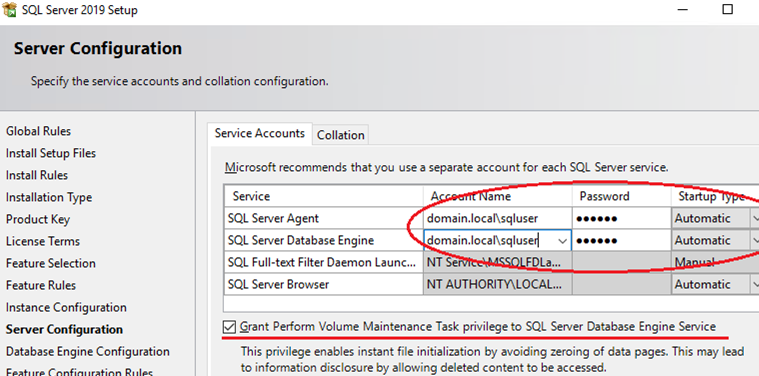
7. set server configuration - startup type
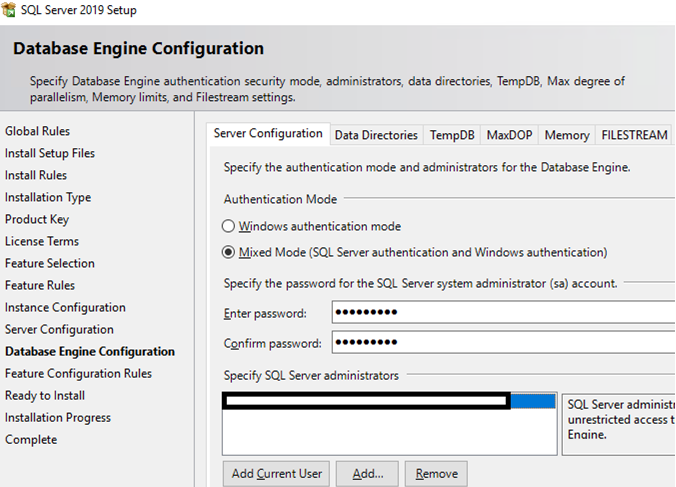
8. set authentication mode - mixed mode